GTA 6 Launch Day Streaming Checklist
Everything to sort out before November 19: pre-load, capture settings, accounts, audio, VOD storage and a plan for clips. One list, in the order you need it.
GTA VI launches on November 19, 2026 for PS5 and Xbox Series X|S. Digital pre-orders can pre-load from November 12. Launch day will be the busiest day in gaming this year, and the streamers who look calm on day one are the ones who did their setup a week early.
Here is the list, in order.
One week before (from November 12)
- Pre-load the game. Digital pre-orders can download from November 12. Physical copies contain a download code, so plan for a download either way.
- Free up storage. We do not know the final file size yet, so clear more space than you think you need.
- Update the console and your streaming software.
- Turn on Twitch two-factor authentication if you stream from PS5. Twitch requires it for console broadcasting.
Capture settings
- PS5: pick your recent gameplay length and format (WebM for 4K, MP4 for compatibility). Guide: How to Record and Clip GTA 6 on PS5.
- Xbox: remember the 30-second limit for 4K HDR clips on the internal drive. Guide: How to Record and Clip GTA 6 on Xbox Series X|S.
- Capture card on PS5: turn off HDCP in the HDMI settings.
Accounts and storage
- Turn on "Store past broadcasts" on Twitch (Creator Dashboard > Settings > Stream > VOD Settings). Without it there is no VOD to clip.
- Know your VOD clock: 7 days for most accounts, 14 for Affiliates, 60 for Partners, Prime and Turbo.
- Have a place for downloads: an external drive or cloud folder for VODs.
Audio
- Decide what to do about in-game radio. Licensed music is the most common reason gaming clips get claimed. Read GTA 6 Radio Music and Copyright Claims before you go live.
- Ask your party before you record their voice chat.
Stream setup
- Title with no story spoilers. Many viewers will avoid spoilers for weeks. See GTA 6 Spoilers on Stream.
- Commentary, not a silent restream. When Rockstar allowed streams of its Extended Look in August, it asked for streams with commentary, not plain restreams. Talking over the game is good practice anyway.
- Test a 10-minute private stream the day before.
The clip plan
Launch week is when GTA searches peak. A clip posted on day two can do more than a whole stream.
- Save moments as they happen with the Create button (PS5) or by holding Share (Xbox).
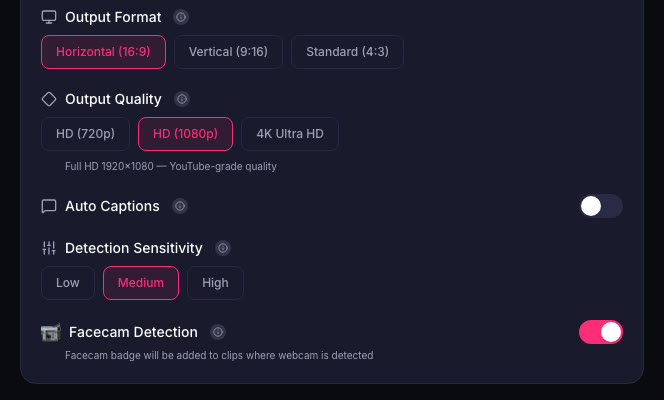
- Cut the VOD the same night. Upload it to ViceForge, choose AI Gaming, and get vertical clips with captions while you sleep.
- Post 1 to 3 clips a day that week instead of one big compilation two weeks later.
Sources
- PlayStation Store: Grand Theft Auto VI
- Rockstar Store: Buy GTA VI
- PlayStation Support: Stream PS5 gameplay
- Twitch Help: Video on demand
Written with AI assistance, then fact-checked and edited by Predrag Mitrovic.
Turn your next stream into Shorts
Upload a VOD or gameplay recording and ViceForge finds the best moments, cuts vertical clips and adds captions.
Clip a video with ViceForgeMore from GTA 6 News
Can You Monetize GTA 6 Clips on YouTube? What We Know
An honest answer: what YouTube's Partner Program requires, what Rockstar's policy says and does not say, and what reduces your risk with GTA VI clips.
How to Make a GTA 6 Funny Moments Compilation from Your VODs
Funny moments videos are a classic GTA format. How to collect moments across a week of streams, keep the pace up, avoid claims, and reuse the same moments as Shorts.
GTA 6 PS5 Capture Settings: 4K WebM vs 1080p MP4
Which PS5 capture format to pick for GTA VI, and why most players do not need 4K. Auto-upload limits, file handling and what works for Shorts.