GTA 6 Radio Music and Copyright Claims: Keep Your Clips Online
GTA radio is full of licensed songs, and on YouTube a single claim can block a Short longer than one minute worldwide. What the rules say and how to plan around them.
GTA radio is part of the game's identity. It is also full of licensed music owned by labels, not by Rockstar. When that music is in your clip, the label's systems can find it. Here is what happens on YouTube and Twitch, and how to keep your GTA VI clips online.
What happens on YouTube
YouTube explains that game publishers can claim gameplay through Content ID, and that licensed music inside a game can be claimed by the owner of that music. So a clip can be fine from Rockstar's side and still get claimed because of a song on the radio.
For Shorts there is one rule that matters most:
A Short longer than 1 minute with any Content ID claim is blocked worldwide.
There is no strike, and the Short comes back if the claim is released. But while it is blocked, nobody can see it. Shorts can be up to 3 minutes long, but if there is music in the background, the safest length is 60 seconds or less.
What happens on Twitch
Twitch scans audio in VODs. When it finds copyrighted music, it mutes the affected parts of the VOD and deletes linked clips. Muting does not protect you from DMCA notices. And when you download a muted VOD, you get it muted, there is no unmuted copy.
How to plan around it
1. Turn the radio down or off for key moments. Driving with no radio feels strange, but a chase with engine noise and your voice is still a great clip.
2. Keep Shorts at 60 seconds or less. If a song slips in, a Short of 60 seconds or less is not automatically blocked worldwide.
3. Talk over the gameplay. Your commentary is what makes a clip yours. It also makes clips more fun to watch.
4. Check before you post. YouTube Studio shows claims after upload. If a Short is claimed, trim the music section or replace it.
5. Do not chase "streamer mode" rumours. Rockstar has not announced a streamer-safe radio mode for GTA VI. If one arrives, we will update this post.
Clips without the music section
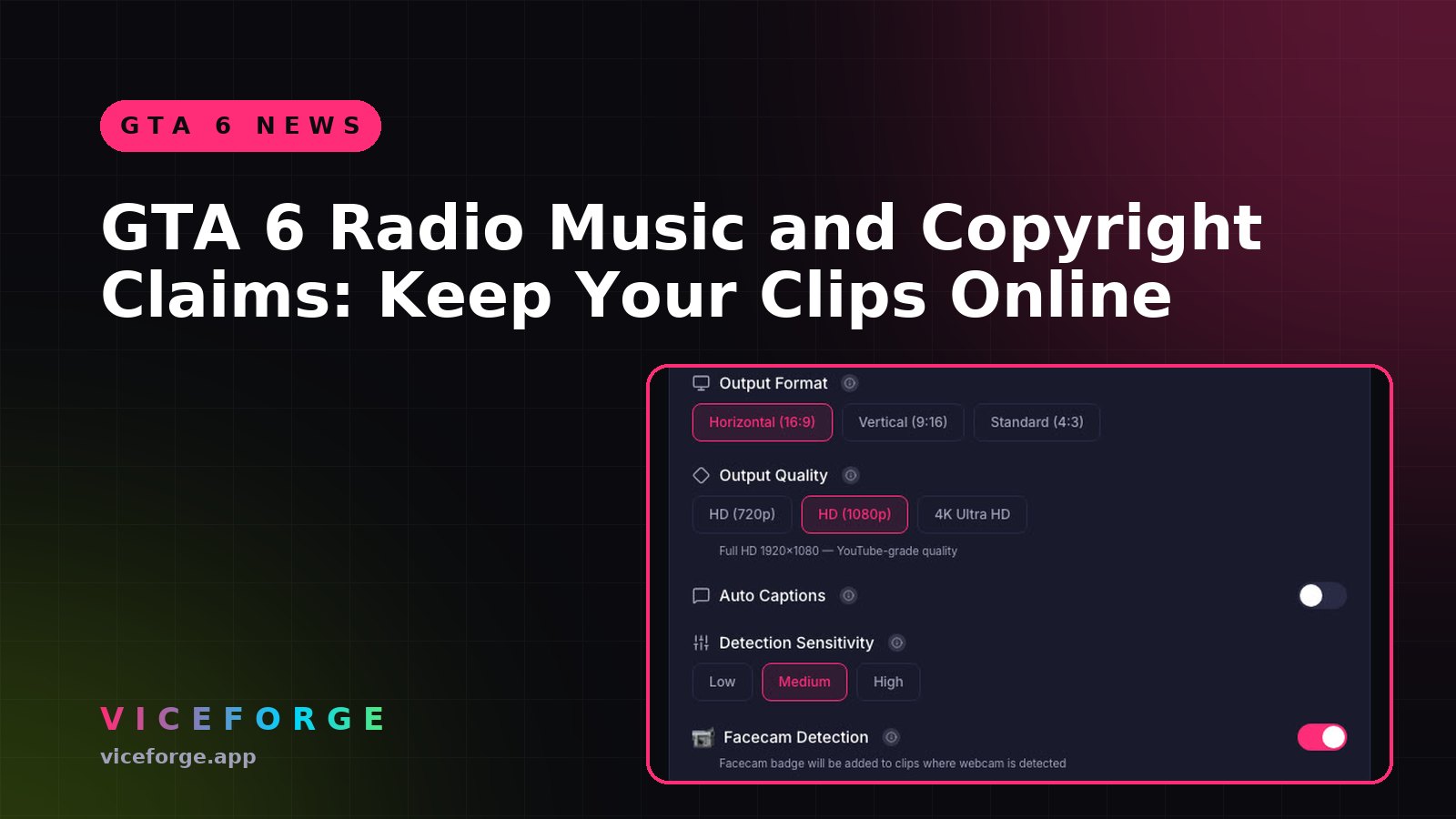
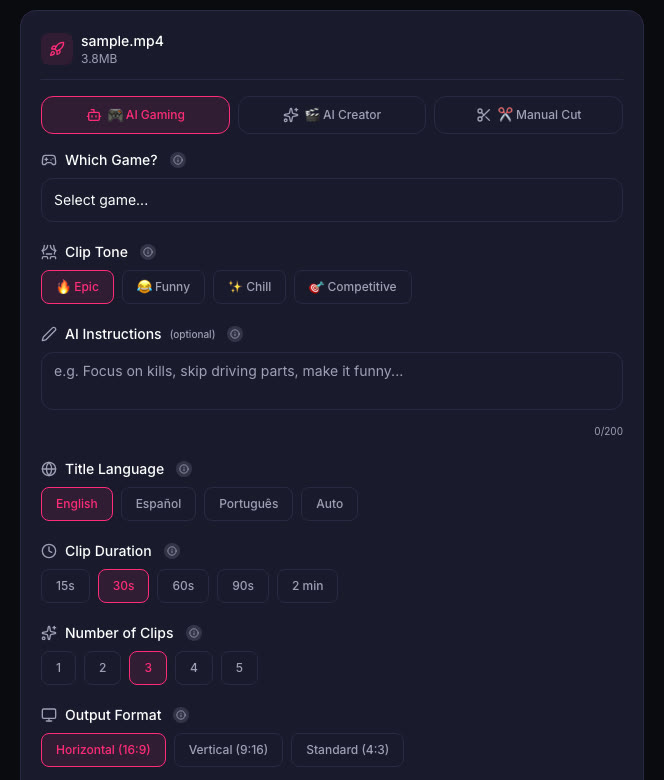
When you cut clips in ViceForge, you choose the clip length. Picking 30 to 60 seconds keeps clips under the one-minute line, and you can edit or remove any clip before downloading.
What Rockstar says
Rockstar's policy allows occasional, non-commercial use of its games in videos, asks creators not to post isolated cutscenes or leaked material, and keeps the right to remove content. It does not spell out monetization of GTA VI videos, so we do not make claims either way. See Can You Monetize GTA 6 Clips on YouTube?.
Sources
- YouTube Help: Shorts longer than 1 minute and Content ID
- YouTube Help: Video game content and Content ID
- Twitch Help: Copyrighted audio warnings
Written with AI assistance, then fact-checked and edited by Predrag Mitrovic.
Turn your next stream into Shorts
Upload a VOD or gameplay recording and ViceForge finds the best moments, cuts vertical clips and adds captions.
Clip a video with ViceForgeMore from GTA 6 News
Can You Monetize GTA 6 Clips on YouTube? What We Know
An honest answer: what YouTube's Partner Program requires, what Rockstar's policy says and does not say, and what reduces your risk with GTA VI clips.
How to Make a GTA 6 Funny Moments Compilation from Your VODs
Funny moments videos are a classic GTA format. How to collect moments across a week of streams, keep the pace up, avoid claims, and reuse the same moments as Shorts.
GTA 6 Launch Day Streaming Checklist
Everything to sort out before November 19: pre-load, capture settings, accounts, audio, VOD storage and a plan for clips. One list, in the order you need it.