GTA 6 PS5 Capture Settings: 4K WebM vs 1080p MP4
Which PS5 capture format to pick for GTA VI, and why most players do not need 4K. Auto-upload limits, file handling and what works for Shorts.
The PS5 gives you two capture formats, WebM and MP4, and two practical resolutions, 4K and 1080p. The right choice depends on where your GTA VI clips will end up. Here is a simple way to decide.
The two options
| WebM | MP4 | |
|---|---|---|
| 4K recording | Yes | No, up to 1080p in practice |
| Compatibility | Good in modern browsers and editors | Works almost everywhere |
| PS App auto-upload | 1080p clips only | 1080p clips only |
4K recording is set in the capture options and needs a compatible display. In practice 4K recording means WebM; MP4 is the go-to at 1080p.
The auto-upload limit decides a lot
The PS App auto-upload is the fastest way to get clips onto your phone. Its limits:
- videos under 3 minutes,
- 1080p or lower (4K captures do not auto-upload),
- stored for 14 days,
- no PS Plus needed,
- PS5 in rest mode with internet.
If your plan is "save a clip, post it from my phone", 1080p is the right choice, because 4K clips will not show up in the app.
When 4K is worth it
- You edit on a PC and want sharp zooms or crops.
- You make cinematic edits, trailers or thumbnails.
- You plan to crop a vertical video out of a horizontal recording and want more detail left after the crop.
That last point matters for Shorts. A 9:16 crop from a 16:9 frame uses only about a third of the width. Starting from 4K leaves more pixels in the crop.
When 1080p is the better choice
- You post mostly Shorts, Reels and TikTok, which are watched on phones.
- You want auto-upload to the PS App.
- You want smaller files and faster uploads.
Our recommendation
For most GTA VI players who post short clips: MP4, 1080p, auto-upload on. If you edit seriously or make cinematic content: WebM, 4K, and a USB drive to move files.
From PS5 file to finished Short
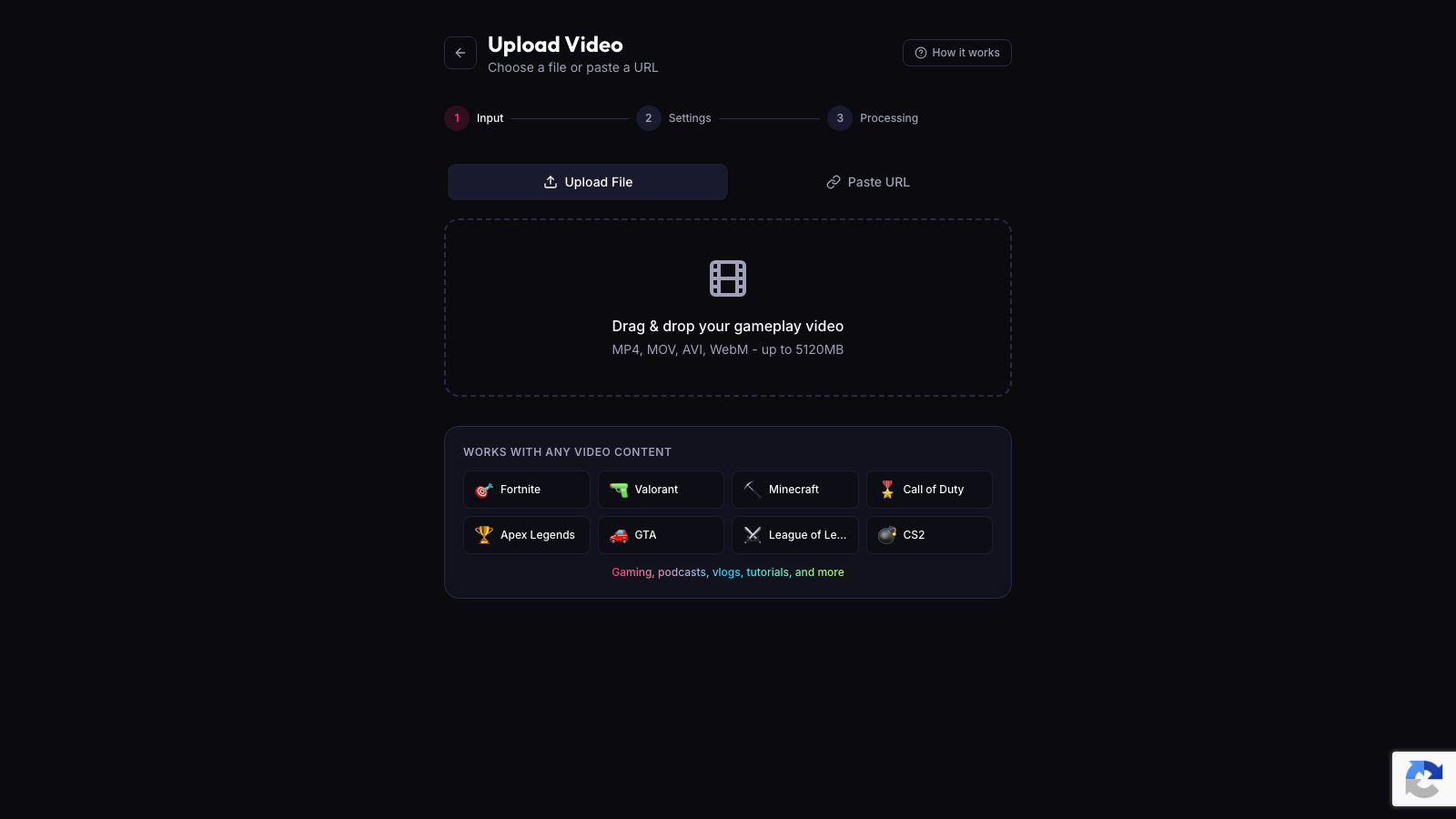
ViceForge accepts both WebM and MP4 (plus MOV and AVI). Upload the file from your USB drive or computer, choose AI Gaming, and you get vertical clips with captions. Creator Elite exports in 4K if you recorded in 4K.
Quick checklist
- Phone posting: MP4, 1080p, auto-upload.
- PC editing or cinematic: WebM, 4K, USB transfer.
- Remember: auto-upload clips must be under 3 minutes and expire after 14 days.
Sources
- PlayStation Support: Capture PS5 gameplay and screenshots
- PlayStation Support: PS5 game captures in PS App
Written with AI assistance, then fact-checked and edited by Predrag Mitrovic.
Turn your next stream into Shorts
Upload a VOD or gameplay recording and ViceForge finds the best moments, cuts vertical clips and adds captions.
Clip a video with ViceForgeMore from GTA 6 News

Can You Monetize GTA 6 Clips on YouTube? What We Know
An honest answer: what YouTube's Partner Program requires, what Rockstar's policy says and does not say, and what reduces your risk with GTA VI clips.

How to Make a GTA 6 Funny Moments Compilation from Your VODs
Funny moments videos are a classic GTA format. How to collect moments across a week of streams, keep the pace up, avoid claims, and reuse the same moments as Shorts.
GTA 6 Launch Day Streaming Checklist
Everything to sort out before November 19: pre-load, capture settings, accounts, audio, VOD storage and a plan for clips. One list, in the order you need it.