How to Record and Clip GTA 6 on Xbox Series X|S
The Xbox Share button, the 30-second 4K HDR limit, external drives, OneDrive and the 90-day cloud clock. What to set up before GTA 6 launches on November 19.
GTA VI launches on November 19, 2026 on Xbox Series X|S and PS5, with pre-load for digital pre-orders from November 12. Xbox capture works well, but it has one limit that catches a lot of players: how long a clip can be at the highest quality. Sort that out now and launch week is just playing and saving.
The Share button
The Xbox Wireless Controller has a dedicated Share button:
- Press it to take a screenshot.
- Hold it to save what just happened (Record what happened).
That second action is the one you will use most. Something wild happens in a chase, you hold Share, and the last moments are saved.
The limit that matters: 4K HDR clips
How long a clip can be depends on quality and where it is stored:
| Setup | Maximum clip length |
|---|---|
| 4K HDR on the internal drive | 30 seconds |
| Lower resolution or no HDR | longer |
| External drive | up to 60 minutes |
If you want to save longer moments, like a full heist or a five-minute police chase, either lower the capture resolution or set captures to go to an external drive. You can change this in Settings > Preferences > Capture & share.
Our take: for Shorts and TikTok, 1080p is plenty, since the final video is shown on a phone. Save 4K for trailers or thumbnails.
Getting clips off the Xbox
Cloud and the Xbox app. Captures can upload to the Xbox network and appear in the Xbox app on your phone. Cloud captures are deleted after 90 days, so do not treat the cloud as your archive.
OneDrive auto-upload. In Settings > Preferences > Capture & share you can turn on automatic upload to OneDrive. This is the easiest way to get clips onto a PC without touching a USB drive.
USB drive. In the capture gallery, open Manage and copy captures to external storage. This is the best route for long recordings from an external drive.
Turning recordings into Shorts
Long recordings are where the good moments hide, and also where they get lost. Scrubbing through an hour of GTA to find thirty seconds worth posting is the slowest part of the job.
With ViceForge you upload the recording, choose AI Gaming and pick the game. The AI watches and listens for action and reactions, then cuts the clips. MP4, MOV, AVI and WebM uploads all work.
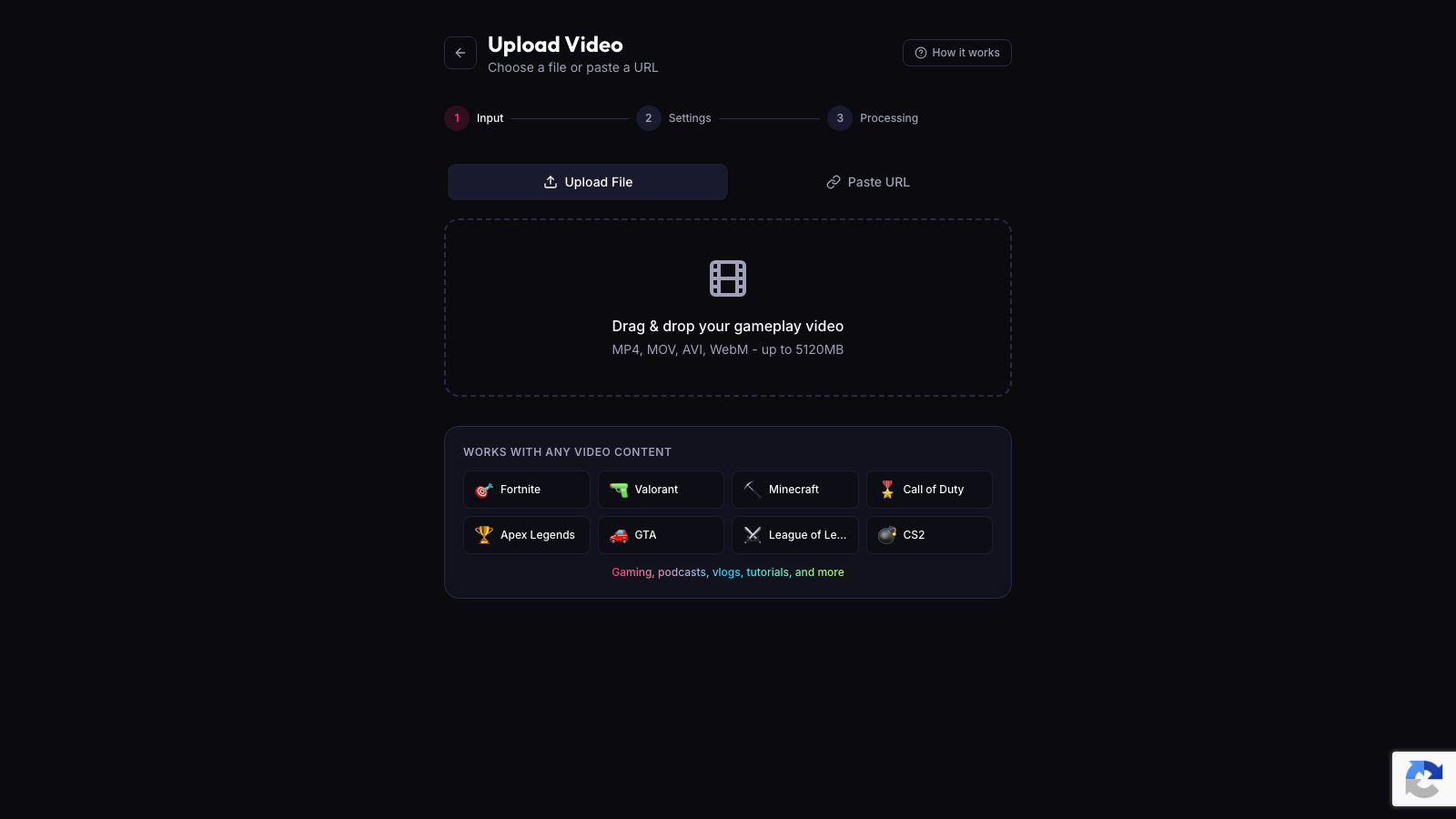
Recommended settings for GTA clips:
- Vertical (9:16) output for Shorts, Reels and TikTok.
- 30 to 60 seconds per clip.
- Facecam Detection on if your camera is in the recording.
Quick checklist
- Decide on resolution: 4K HDR gives 30-second clips, lower quality gives longer ones.
- Plug in an external drive for long recordings.
- Turn on OneDrive upload if you edit on a PC.
- Remember that cloud captures expire after 90 days.
- Hold Share, keep playing, sort clips later.
Sources
- Xbox Support: Capture and share on Xbox
- PlayStation Store: Grand Theft Auto VI (release date and platforms)
- Rockstar Store: Buy GTA VI (pre-load date)
Written with AI assistance, then fact-checked and edited by Predrag Mitrovic.
Turn your next stream into Shorts
Upload a VOD or gameplay recording and ViceForge finds the best moments, cuts vertical clips and adds captions.
Clip a video with ViceForgeMore from GTA 6 News

Can You Monetize GTA 6 Clips on YouTube? What We Know
An honest answer: what YouTube's Partner Program requires, what Rockstar's policy says and does not say, and what reduces your risk with GTA VI clips.
How to Make a GTA 6 Funny Moments Compilation from Your VODs
Funny moments videos are a classic GTA format. How to collect moments across a week of streams, keep the pace up, avoid claims, and reuse the same moments as Shorts.
GTA 6 Launch Day Streaming Checklist
Everything to sort out before November 19: pre-load, capture settings, accounts, audio, VOD storage and a plan for clips. One list, in the order you need it.