AI Reads Speech: Pick Clips from What's Actually Said
Turn on AI Reads Speech and ViceForge picks moments based on what you say: funny lines, strong opinions, reactions. Works in any language.
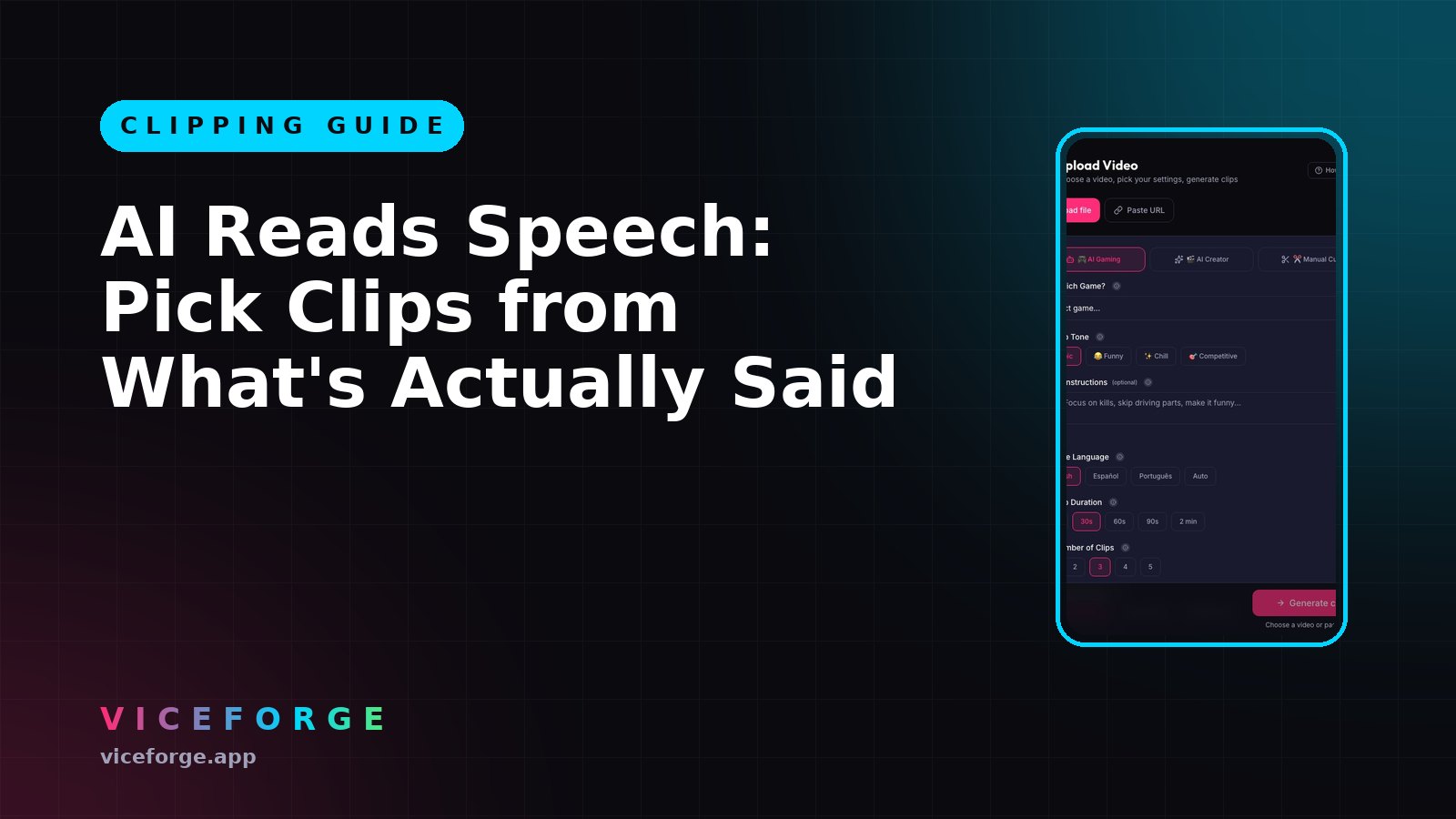
ViceForge's AI Reads Speech listens to what you say in your videos and picks moments based on the words, not just the visuals. The AI writes titles that describe what was actually said, so viewers know what they are clicking. It works in any language, including Arabic.
What AI Reads Speech does
With AI Reads Speech turned on, the AI listens to the words and identifies key moments in your content.
The clip titles then describe what was said, not just what happened. A clip from a podcast might be titled "Why I quit my job to stream full-time" instead of "Talking to camera".
Which videos benefit most
AI Reads Speech is built for talk, podcast and commentary videos. Turn it on when:
- You are talking to the camera (IRL, vlog, reaction).
- You are hosting a podcast or interview.
- You are commentating over gameplay and the commentary is the main content.
- The best moments are what you say, not what happens on screen.
It also works in AI Gaming mode for streams where you talk a lot, but the visual action still matters. The AI balances both.
How to turn it on
- Upload your video to ViceForge.
- Pick your video (MP4, MOV, AVI or WebM).
- Choose AI Creator for talk videos or AI Gaming for gameplay with commentary.
- Scroll to the bottom of the settings.
- Turn on AI Reads Speech.
- Click Generate clips when the upload finishes.
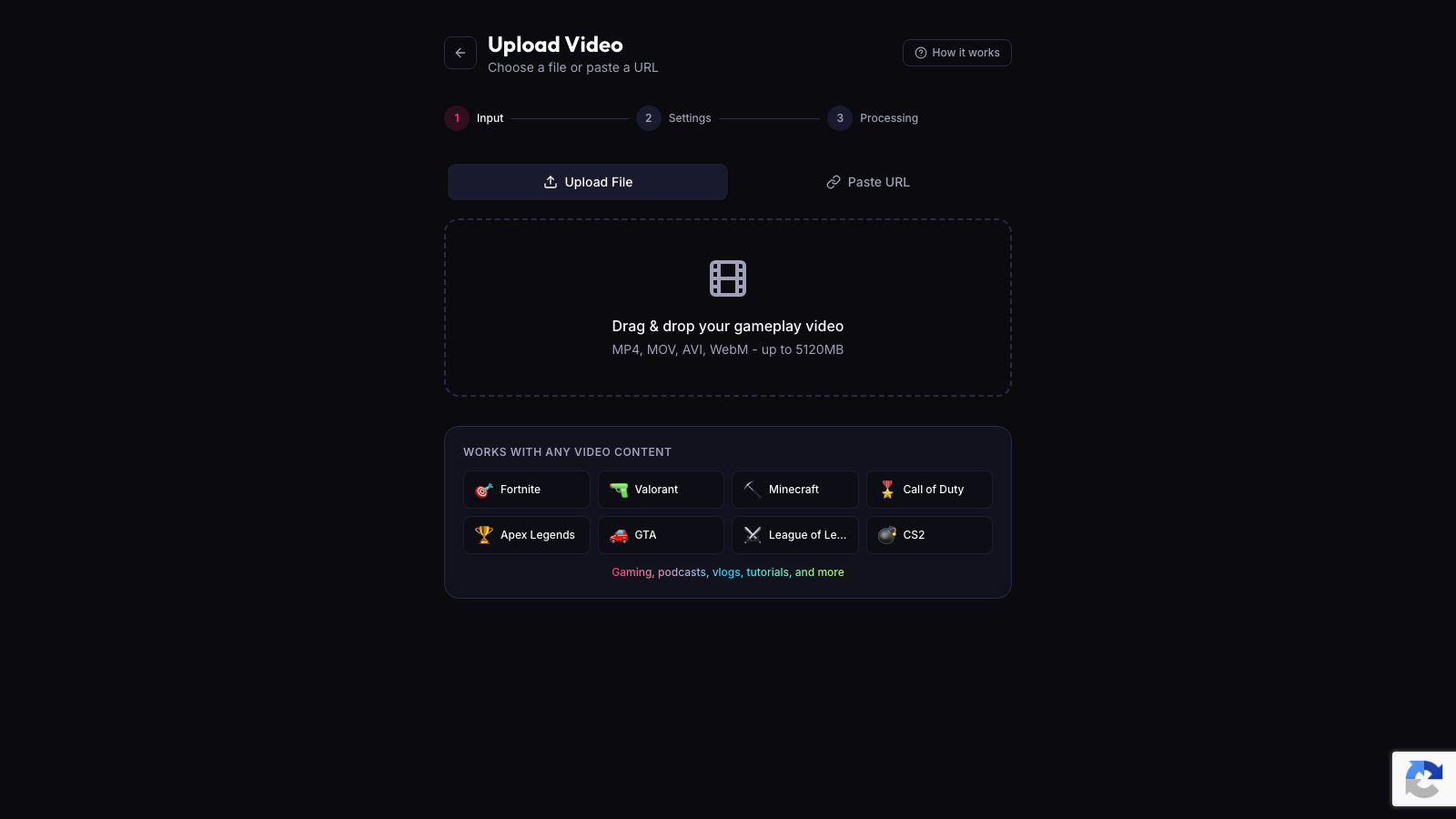
AI Reads Speech is off by default. You turn it on per video.
Plans and limits
AI Reads Speech is available on Creator Pro, Creator Elite, and Lifetime plans.
Free and Gamer Pro plans see the switch locked.
There is no separate limit for AI Reads Speech. It uses your plan's normal monthly video minutes. A 30-minute podcast on Creator Pro uses 30 of your 300 minutes. It works in both AI Gaming and AI Creator modes.
Processing speed is the same whether AI Reads Speech is on or off.
Language support
The AI understands speech in any language, including Arabic. You do not need to tell it which language you are speaking. It listens, picks the moments, and writes the clip titles in the same language.
Clip titles that describe what was said
When AI Reads Speech is on, the clip titles describe the content of what you said:
- "I got banned for this"
- "The worst advice I ever got"
- "Why I stream at 3 AM"
Without it, titles describe what the AI sees: "Talking to camera", "Laughing at chat", "Reacting to video".
You can edit every title in the clip editor before you download.
Works with AI Hook
AI Reads Speech works with AI Hook, which opens each clip with its peak moment before showing the build-up. When the peak is a spoken line, the AI cuts the hook at the end of the sentence, never mid-word.
AI Hook is only on Creator Elite.
Quick checklist
- Upload a talk, podcast or commentary video.
- Choose AI Creator or AI Gaming.
- Turn on AI Reads Speech at the bottom of the settings.
- Generate clips.
- Check the titles: they describe what you said.
- Edit titles and captions if needed.
- Download and post.
Sources
- ViceForge, Pricing and plans
Written with AI assistance, then fact-checked and edited by Predrag Mitrovic.
Turn your next stream into Shorts
Upload a VOD or gameplay recording and ViceForge finds the best moments, cuts vertical clips and adds captions.
Clip a video with ViceForgeMore from Guides
AI Hook: Open with Your Peak Moment, Then Show the Build-Up
Turn on AI Hook to start each clip with the best 1-2 seconds, then replay the full moment. Creator Elite only. Here is how to set it up.
AI Reads Speech: Pick Better Moments from Talk and Podcast Clips
ViceForge's AI Reads Speech listens to what you say in any language and picks clips based on funny lines, quotes and reactions instead of just visuals.
How to Avoid Copyright Claims When Turning VODs into Shorts
Music in the background, game soundtracks and the one-minute rule on YouTube. Where claims come from when you turn streams into Shorts, and how to keep your clips online.