How to Stream GTA 6 from PS5 and Xbox to Twitch and YouTube
Native console broadcasting, when you need a capture card, the HDCP setting on PS5, and the bitrate numbers YouTube and Twitch actually publish.
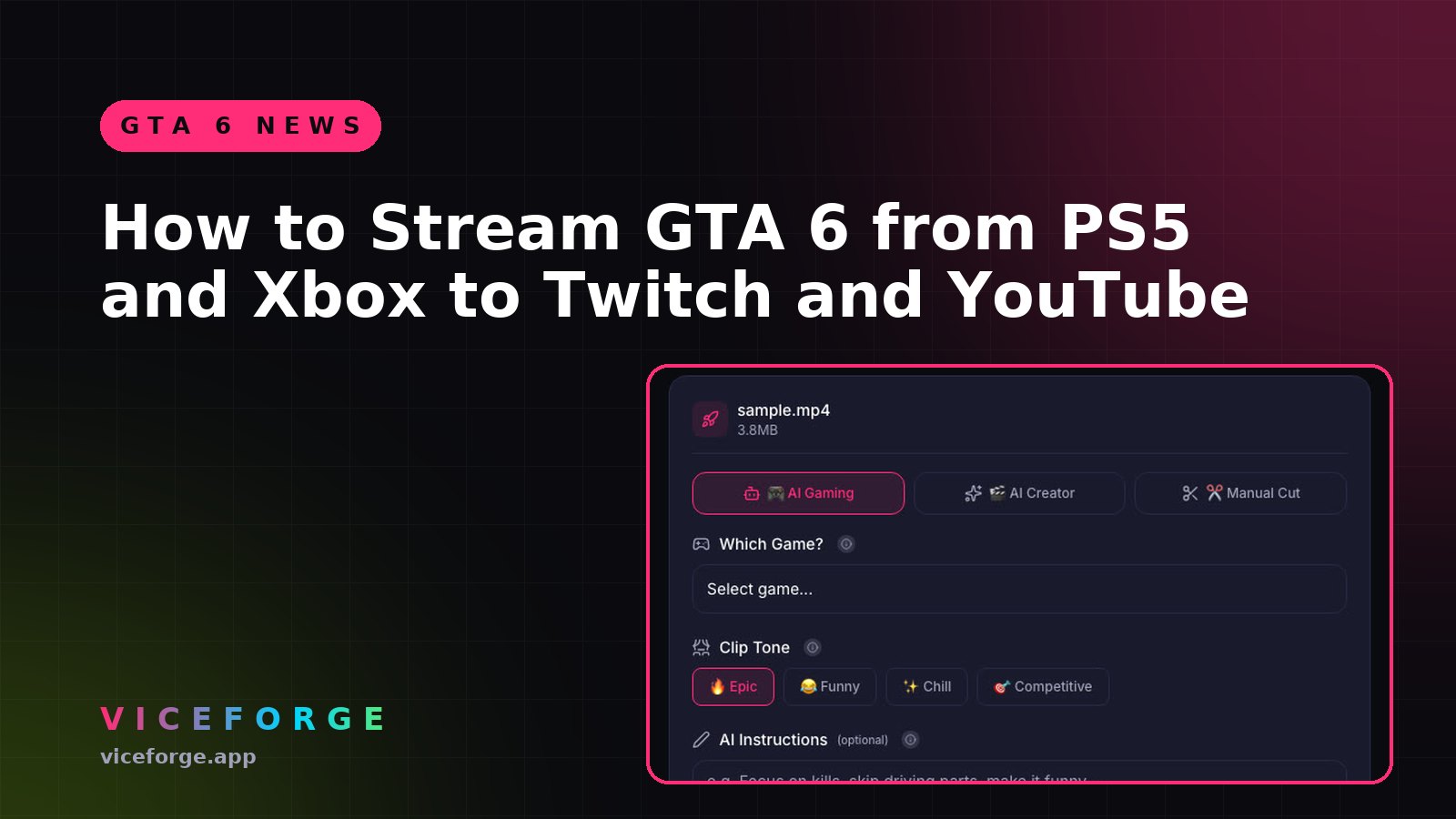
Thousands of channels will go live with GTA VI on November 19, 2026. You can stream straight from the console in a few minutes, or use a capture card and a PC for more control. Here is how both routes work, and which one fits you.
Option 1: Stream straight from the console
PS5
- Press Create on the DualSense and choose Broadcast.
- Pick Twitch or YouTube and link your account the first time.
- Set resolution in Settings > Captures and Broadcasts > Broadcasts. Sony says the available quality depends on the service.
Twitch requires two-factor authentication on your account before you can broadcast, so set that up today, not on launch night.
Xbox Series X|S
Xbox streams natively to Twitch only. There is no built-in YouTube streaming on Xbox. If you want YouTube from an Xbox, you need a capture card and a PC.
When native streaming is enough
Native streaming is fine if you want to go live quickly with a headset mic. You lose overlays, alerts, a facecam layout and scene switching. For a first stream, that is a fair trade.
Option 2: Capture card and PC
A capture card sends the console picture to a PC, and streaming software like OBS handles the rest: facecam, overlays, alerts and audio mixing.
PS5 and HDCP. The PS5 uses HDCP copy protection on HDMI, which blocks a capture card from seeing gameplay. Turn it off in the PS5 system settings under HDMI (look for the HDCP option). Sony's own FAQ confirms this is required for capture devices.
Bitrate numbers that are actually published
YouTube Live, 1080p at 60 fps:
| Codec | Recommended bitrate |
|---|---|
| H.264 | 6 to 17 Mbps |
| AV1 / H.265 | 4 to 12 Mbps |
YouTube also recommends a 2-second keyframe interval and AAC audio at 128 kbps.
Twitch announced in June 2026 support for 1080p AVC up to 7.5 Mbps and 1440p HEVC up to 9 Mbps through Enhanced Broadcasting in OBS on PC. Whether consoles get the same options has not been confirmed, so plan for the PC route if you want them.
Do not forget the clips
A stream is live for a few hours. The clips you cut from it keep finding new viewers for weeks. Twitch keeps past broadcasts for 7 days on most accounts, 14 days for Affiliates and 60 days for Partners, Prime and Turbo users. Download or clip your VOD before it disappears.
If you stream GTA on YouTube with a Creator Elite plan, ViceForge Stream Clipper can watch your YouTube live stream and cut clips while you play.
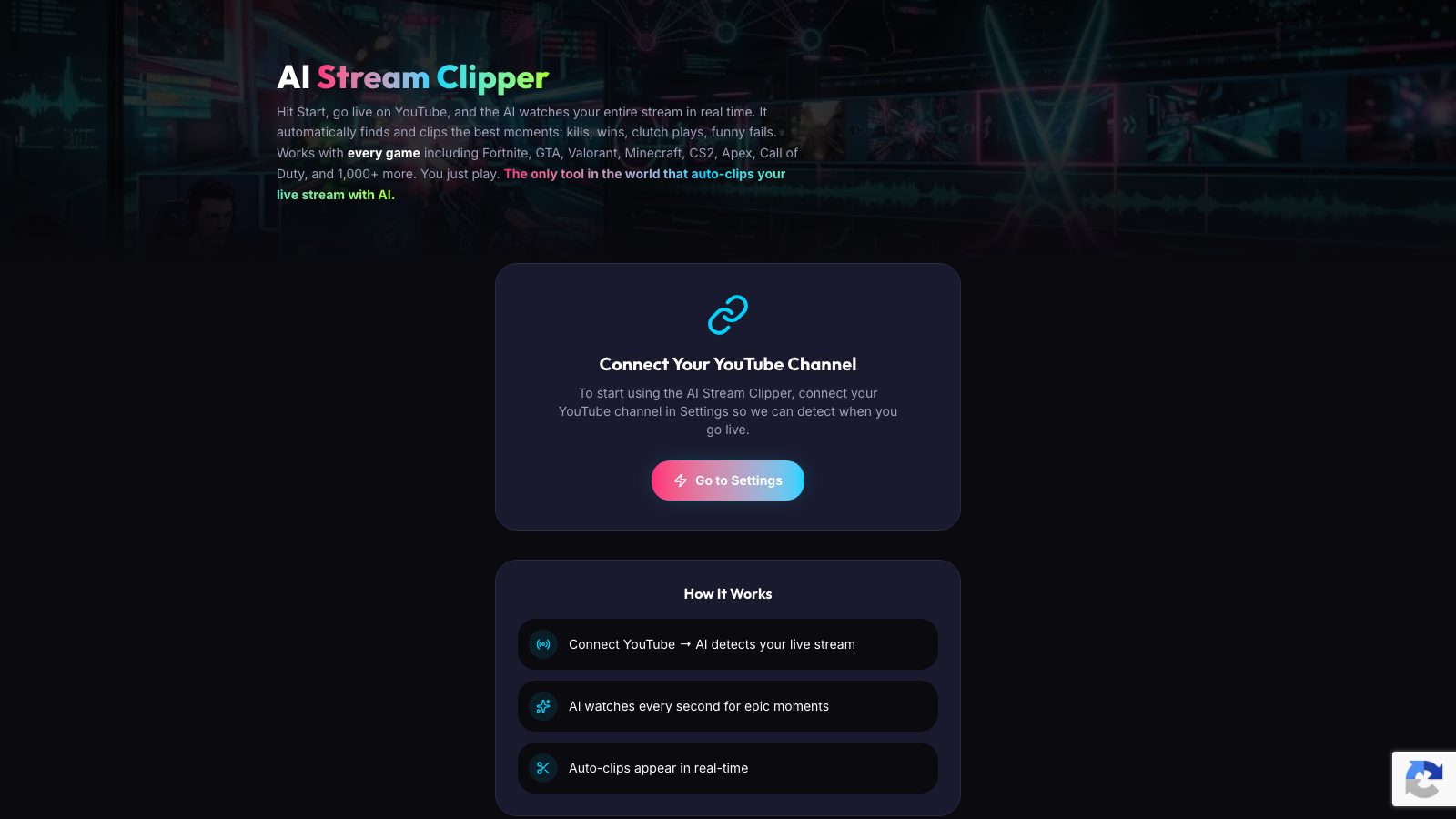
For Twitch, download the VOD and upload it to ViceForge in AI Gaming mode.
Quick checklist
- Turn on Twitch two-factor authentication.
- Decide: native broadcast or capture card.
- PS5 plus capture card: turn off HDCP.
- Xbox plus YouTube: you need a capture card.
- Set your bitrate from the published tables.
- Clip the VOD before it expires.
Sources
- PlayStation Support: Stream PS5 gameplay
- YouTube Help: Live encoder settings, bitrates and resolutions
- Twitch Help: Video on demand
Written with AI assistance, then fact-checked and edited by Predrag Mitrovic.
Turn your next stream into Shorts
Upload a VOD or gameplay recording and ViceForge finds the best moments, cuts vertical clips and adds captions.
Clip a video with ViceForgeMore from GTA 6 News
Can You Monetize GTA 6 Clips on YouTube? What We Know
An honest answer: what YouTube's Partner Program requires, what Rockstar's policy says and does not say, and what reduces your risk with GTA VI clips.
How to Make a GTA 6 Funny Moments Compilation from Your VODs
Funny moments videos are a classic GTA format. How to collect moments across a week of streams, keep the pace up, avoid claims, and reuse the same moments as Shorts.
GTA 6 Launch Day Streaming Checklist
Everything to sort out before November 19: pre-load, capture settings, accounts, audio, VOD storage and a plan for clips. One list, in the order you need it.