YouTube Tests Video Deletion to Save Channels from Spam Bans
YouTube is testing a 30-day grace period for spam violations. Eligible creators can delete videos to avoid permanent termination.
YouTube is testing a new policy that lets creators delete violating videos to avoid permanent channel termination. Instead of an instant ban, eligible channels get 30 days to fix the problem. Here is what the policy does, who it applies to, and what to do if your channel is locked.
What the new policy does
Announced on October 29, 2026, the test applies to channels facing termination over certain spam policy violations. Instead of losing the channel immediately, eligible creators enter a 30-day locked period. Creators receive notifications through email and YouTube Studio on desktop explaining the restrictions and outlining the available options.
During that time, the channel cannot upload new videos or post comments, but the creator has three options to restore access.
Option 1: Edit or delete individual videos. Use YouTube Studio tools, including the video editor, to remove or modify videos that violate the policy. The changes must pass a review before the channel unlocks. If the review is rejected, you can still delete all videos within the 30-day window.
Option 2: Delete every uploaded video. This unlocks the channel immediately. You keep your subscribers, channel handle and YouTube Partner Program status, but all your videos are gone.
Option 3: Appeal. If you believe the flag was a mistake, submit an appeal. If the appeal is denied, you can still choose option 1 or 2 before the 30 days run out.
Channels that take no action or fail to fix the violations within 30 days are permanently terminated.
Who the policy applies to
The test is limited to certain spam policy violations. It does not apply to every type of infraction that can result in a ban. YouTube has not said when the policy might expand to other violations or become available to all channels.
What this means for clip creators
If your channel is locked, you cannot upload new clips or Shorts during the 30-day period. That means no new content from your streams or recordings until the issue is resolved.
If you choose to delete all videos, your existing clips and Shorts are gone. Your subscriber count and channel handle stay, but your content library is wiped. If you have a clip that went viral or a compilation that brings in views, it disappears.
If you choose to edit or delete individual videos, the review process adds time. You cannot upload new clips while waiting for the review, and if the review is rejected, you are back to choosing between deleting everything or letting the 30 days run out.
What to do if your channel is locked
- Check your email and YouTube Studio. The notification explains which videos violate the policy and what your options are.
- Review the flagged content. If the flag is correct, decide whether to edit, delete individual videos, or delete everything.
- Act fast. You have 30 days. If you wait too long and the review is rejected, you may not have time to delete all videos before the deadline.
- Back up your videos. Download your videos from YouTube Studio before you delete them, so you have a local copy.
How to avoid spam policy violations
Common spam violations include misleading metadata, scams, incentivization spam, comment spam, and repetitive content. For clip creators, the most common risks are misleading titles, tags or thumbnails, and repetitive uploads of similar content.
- Titles and thumbnails must match the video. Do not promise a moment that is not in the clip.
- Do not upload the same clip multiple times. If you have a compilation, make it clear in the title and description.
- Avoid clickbait. A title like "You won't believe what happens next" without delivering the moment can be flagged.
Keep a local copy of your best clips
Download your videos from YouTube Studio before you delete them. Save the file to your computer or an external drive.
If you have a lot of clips, this takes time. Set up a backup routine now, before your channel is locked, so you have a copy.
Turn your local clips into new content
Before you re-upload any clips, check that the content does not violate the policy. Review each video to ensure it meets YouTube's guidelines.
Upload your local clips to ViceForge, choose AI Gaming or AI Creator, and get new vertical clips with captions.
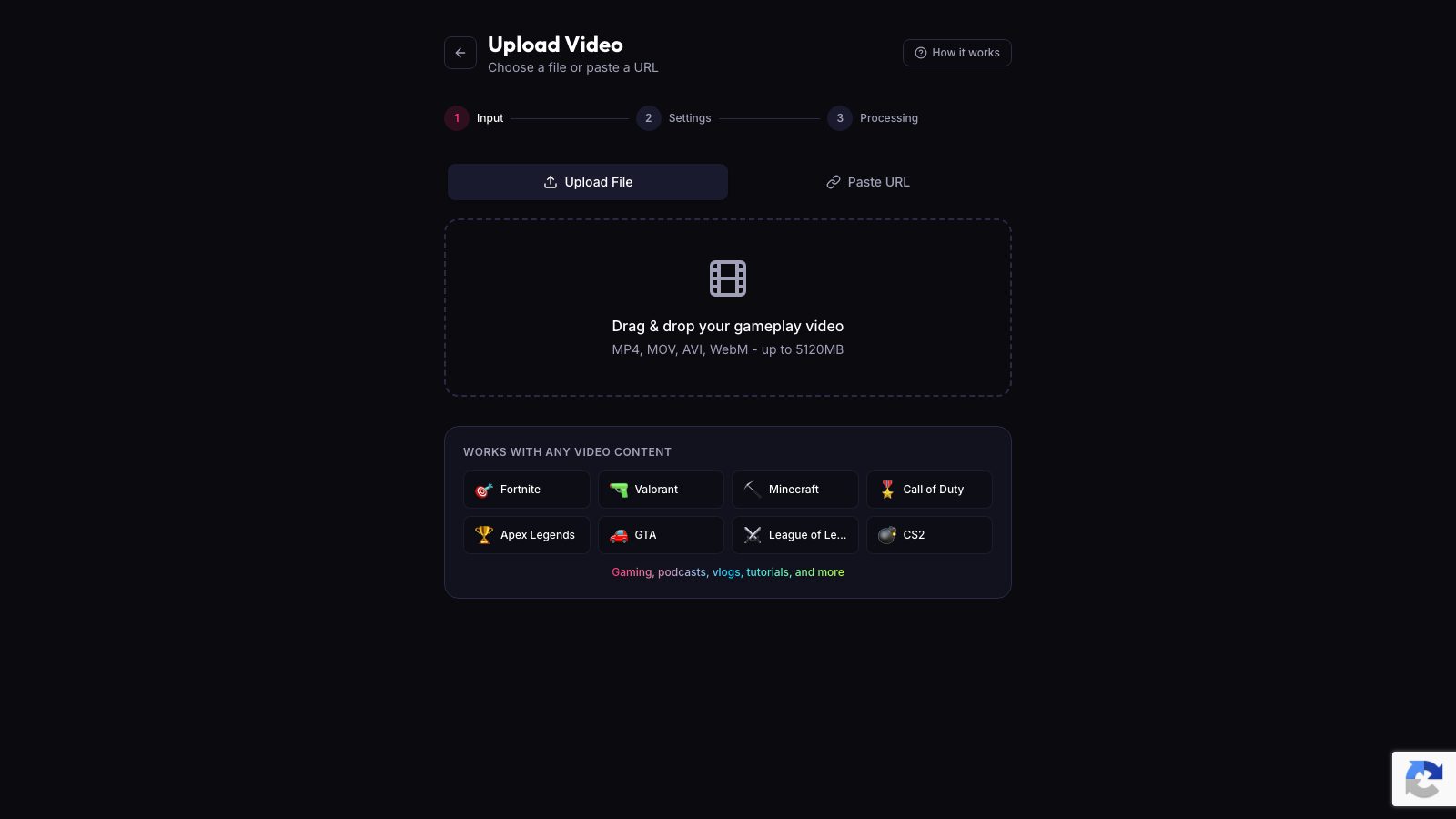
If you are starting over, this is a fast way to rebuild your content library with clips that are more likely to keep viewers watching.
Sources
Written with AI assistance, then fact-checked and edited by Predrag Mitrovic.
Turn your next stream into Shorts
Upload a VOD or gameplay recording and ViceForge finds the best moments, cuts vertical clips and adds captions.
Clip a video with ViceForgeMore from Guides
YouTube Report: 72% of Creators Use AI Video, Here's What It Means
YouTube's new report shows 72% of surveyed video posters use AI on videos or images. Here's how AI fits into your clip workflow.
Restaurant Denies $12K Streamer Bill After Viewers Hijack QR Code
Zauo Shibuya says it only charged Lacy for what he ate, contradicting his $12,000 claim. Here's how to protect your IRL streams.
YouTube Restores True Crime Channel After Demonetization
YouTube reversed its demonetization of popular true crime channel Explore With Us (EWU), following public support from fans and a review by YouTube's teams. The channel, which produces documentaries...