PS App Auto-Upload for GTA 6: Limits and Setup
PS5 auto-upload sends captures to PlayStation App, but 4K and clips over 3 minutes won't upload. Here's what works and how to set it up.
PS5's auto-upload sends your captures to the PlayStation App, but it has hard limits. If you record GTA 6 in 4K or save clips longer than 3 minutes, those files will not upload. Here is what the feature can and cannot do, and how to set it up before November 19.
What auto-uploads and what does not
PlayStation App auto-upload works only when all of these are true:
- The video is under 3 minutes long.
- The video is 1080p or lower (not 4K).
- Your PS5 is in rest mode with Stay Connected to the Internet turned on.
- You have enabled the feature in the app.
Screenshots taken from the Create Menu or Create button shortcuts upload automatically. Trophy moments and Activity Challenge auto-captures do not upload.
If you record a 5-minute clip or a 4K clip, it stays on your console. You can still send it manually from Media Gallery, but it will not appear in the app on its own.
How to enable auto-upload
- Download the latest PlayStation App for iOS or Android.
- Open the app and go to Library > Captures.
- Select Enable.
- On your PS5, go to Settings > Captures and Broadcasts > Captures and turn on Game captures on PlayStation App.
Your PS5 must be linked to the app. Once enabled, new captures that meet the limits will upload automatically. Captures made before you turned on the feature will not appear.
How long captures stay in the app
Captures are kept for 14 days after they are created on your PS5. After 14 days they are deleted from the cloud. Deleting a capture on your console does not delete it from the app during those 14 days.
You do not need PlayStation Plus to use this feature.
What happens to 4K clips
If you record GTA 6 in 4K, those clips will not auto-upload. You have two options:
1. Copy to USB. You can transfer the file to your computer using a USB drive.
2. Manual upload to the app. Go to Media Gallery, highlight the clip, press options, and select Upload to PlayStation App. The app will still only accept clips under 3 minutes and 1080p or lower, so this works only if the clip fits those limits.
For 4K footage longer than 3 minutes, USB is the only way.
Audio in uploaded clips
Video clips include audio from your microphone and from party voice chat, if you enabled voice chat audio in your capture settings. Before you share a clip with party audio, ask the other people in the chat if they are okay with their voice being in your video.
Quick checklist
- Turn on auto-upload in PlayStation App and on your PS5.
- Leave your PS5 in rest mode with internet on.
- Record clips under 3 minutes and in 1080p if you want them to upload automatically.
- For longer or higher resolution clips, consider using a USB drive or capture card.
- Download or share captures within 14 days.
Capture card for 4K and long sessions
If you plan to stream GTA 6 or record long sessions in 4K, a capture card can help you get the full file on your computer. You must turn off HDCP in your PS5 HDMI settings for the capture card to work.
See How to Record and Clip GTA 6 on PS5 for all PS5 capture methods and settings.
Turning PS5 clips into Shorts
Once you have the file on your phone or computer, you can cut it into Shorts. ViceForge finds the best moments in long recordings and cuts them into clips up to 60 seconds (Gamer Pro), 90 seconds (Creator Pro) or 2 minutes (Creator Elite). You pick the game, and the AI finds kills, chases, crashes and big reactions.
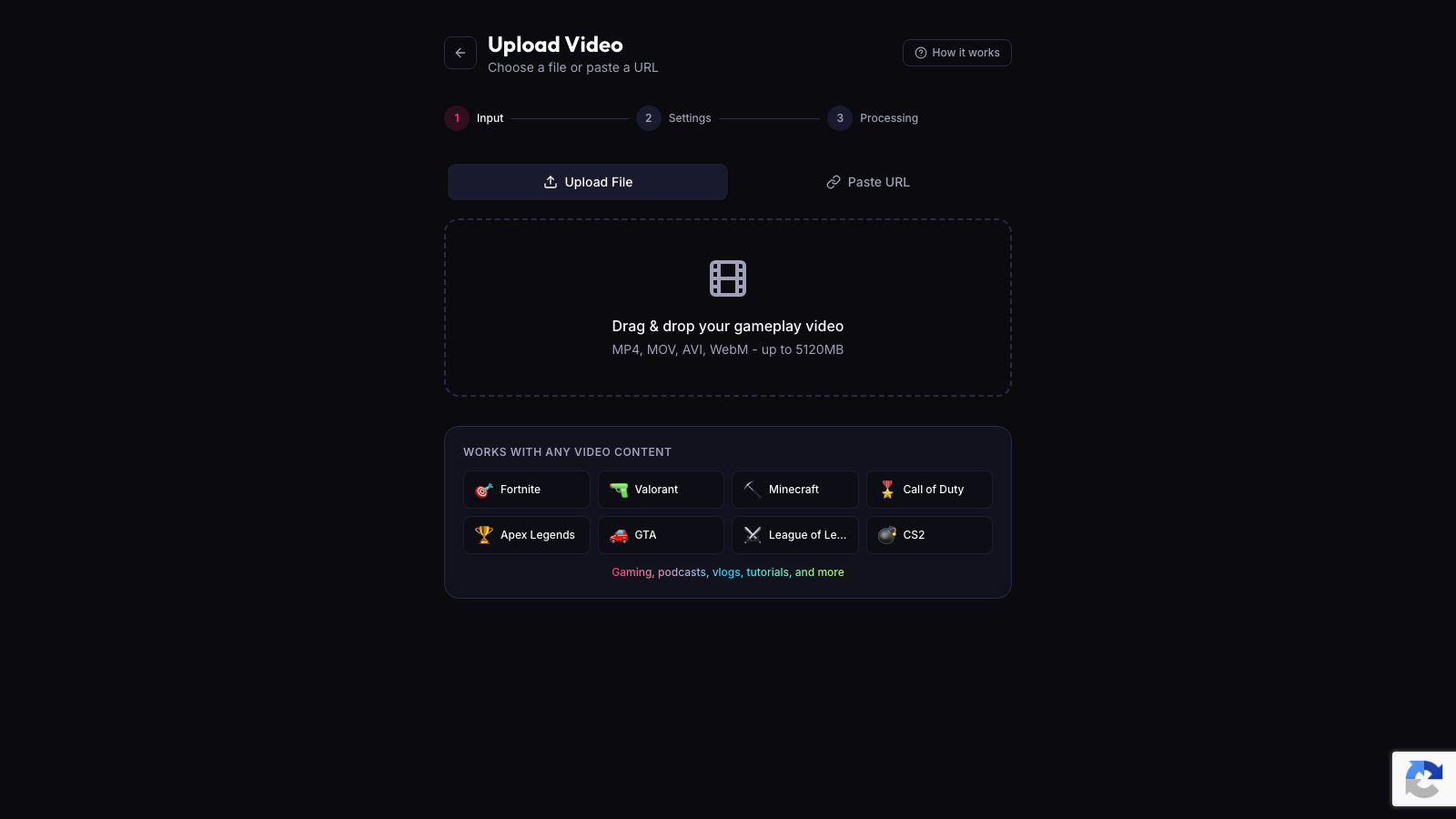
The upload page shows your plan in one line. If a video is too long for your plan, the upload stops right after you pick it, before it uploads.
Sources
Written with AI assistance, then fact-checked and edited by Predrag Mitrovic.
Turn your next stream into Shorts
Upload a VOD or gameplay recording and ViceForge finds the best moments, cuts vertical clips and adds captions.
Clip a video with ViceForgeMore from GTA 6 News

Report: GTA 6 Beer Brands Found in US Database, May Hit Stores
Three beer labels tied to GTA 6 were approved by a US bureau. Here is what it could mean for streamers and clip creators.
GTA 6 Leaks and Your Channel: Why Leaked Footage Is a Risk
Take-Two has been taking down leaked GTA 6 gameplay. Here is why leak clips put your channel at risk and what to prepare before November 19.
GTA 6 Launch Trailer Recreated in GTA 5: What It Means for Clips
A fan recreated the GTA 6 launch trailer in GTA 5 shot by shot. The visual gap is striking, and it changes what you can show in clips.