PS App Auto-Upload Stops at 1080p: Save Your GTA 6 Clips in 4K
PS5's auto-upload to PlayStation App won't send 4K clips. Here's how to save your best GTA 6 moments in full quality with a USB drive.
PS5's auto-upload to the PlayStation App stops at 1080p. Your 4K clips will not make it to the cloud. Here is what actually saves your best moments in full quality before November 19.
What the PS App auto-upload does
The PlayStation App receives screenshots and short videos from your PS5. The clips stay there for 14 days. You can then download them to your phone or share them.
The limits are:
- Videos under 3 minutes long
- 1080p or lower
- PS5 in rest mode with internet on
Videos saved in a higher resolution will not be uploaded.
How to save 4K clips with a USB drive
- Format a USB drive as exFAT.
- Plug it into a USB port on the front or back of the console.
You can then move them to your computer or phone.
How to turn on 4K recording
Go to Settings > Captures and Broadcasts > Captures. Under Video Clip Format, pick WebM (4K) or MP4 (4K). WebM files are smaller. MP4 files work with more editing apps.
4K recording only works when your PS5 is connected to a 4K display.
What auto-upload is good for
Auto-upload works well for quick moments. If you want to share a funny death or a close call on social media right after it happens, the PS App is fast. The clip is already on your phone.
For your best clips, the ones you want to edit or post later, save them in 4K and copy them with a USB drive.
Quick checklist
- Set your video format to 4K in Settings > Captures and Broadcasts > Captures.
- Keep a USB drive formatted as exFAT.
- Copy your best clips to the drive before they fill up your console storage.
- Use the PS App for quick 1080p shares, not for your main content.
Cutting clips from 4K recordings
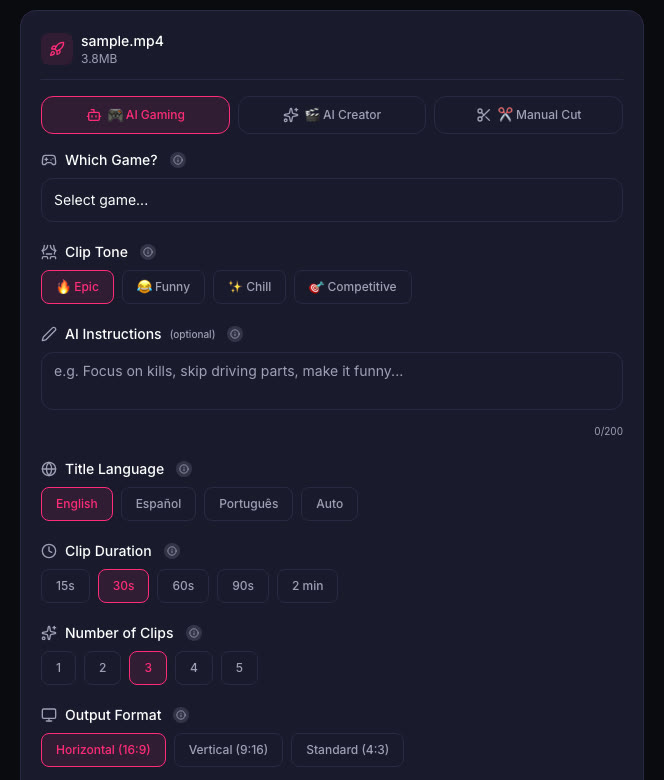
When you have a 4K file on your computer, you can upload it to ViceForge and pick the GTA game profile. The AI finds action, kills, chases and crashes.
Sources
Written with AI assistance, then fact-checked and edited by Predrag Mitrovic.
Turn your next stream into Shorts
Upload a VOD or gameplay recording and ViceForge finds the best moments, cuts vertical clips and adds captions.
Clip a video with ViceForgeMore from GTA 6 News
IGN's 3-Week GTA 6 Giveaway at Best Buy: How to Enter
IGN and Best Buy are giving away TVs, headsets, controllers and more every weekday until November 13. Here's how to enter and what it means for your launch setup.
Rockstar Dev on GTA 3's Rough Start: What It Means for Clips
A Rockstar veteran says GTA 3 was "in a sorry state" for most of development. The team kept what was fun, cut what wasn't. Here's what that means for clipping GTA 6.
PS5 Refurb Bundles Drop $40 for GTA 6, Ends November 5
PlayStation cuts $40 off refurbished PS5 bundles with an extra controller. Digital Edition $518, disc $568. Offer ends November 5, 2026.