Rockstar Filming GTA 6 Cars in Miami: What to Clip Right Now
Rockstar appears to be filming something on the streets of Miami right now, with modded supercars wrapped in Vice City livery and camera crews following them around. Fans believe it is a live-action...
Rockstar appears to be filming something on the streets of Miami right now, with modded supercars wrapped in Vice City livery and camera crews following them around. Fans believe it is a live-action GTA 6 trailer, though Rockstar has not confirmed what the footage is for. For streamers and clip creators, this is a rare chance to document the real-world marketing moment as it happens.
What Rockstar is filming
Fans in Miami have spotted convoys of exotic cars modified to look like their GTA counterparts. The vehicles carry Leonida license plates (the fictional Florida state in GTA 6) and include a Lamborghini Huracan wrapped as a Vice City Police Department cruiser, a McLaren styled as a Progen Emerus, and real-life versions of the Cheetah, Coquette D10, Tempesta, Manana and Buccaneer. Camera crews have been seen with the cars as they drive through the city. Rockstar has not announced what the footage will be used for.
Why this matters for creators
Consider covering this marketing event as it unfolds. You can film the cars, talk about what Rockstar is doing, compare the real-life wraps to the in-game vehicles, or show your audience what a GTA launch looks like when a studio takes over an entire city.
The cars are on the streets now, the filming is happening now, and once the trailer drops (if that is what this is), the novelty is gone. Even if it turns out not to be a trailer, the spectacle itself is the story. Covering it while it is live gives your clips a sense of urgency that evergreen GTA 6 content does not have.
What to clip
1. The cars themselves. Point out which GTA car each one represents.
2. The convoy in motion. Clips of the cars driving together, with the camera crew visible, show the scale of what Rockstar is doing.
3. Your reaction or commentary. Watch the footage and talk about what it means. Is this the most expensive game marketing you have ever seen? How does it compare to other launches? What do you think the final trailer will look like?
4. Side-by-side comparisons. Put footage of the real cars next to screenshots or clips of the in-game versions. Show how close the wraps are to the game's art style.
5. The bigger picture. Rockstar has also flown a Vice City blimp over Florida, plastered ads across Miami, and announced a Vice City-themed NBA game with the Miami Heat in November. This is part of a city-wide takeover. A clip that connects all of it gives your audience the full story.
How to structure the clip
Keep it short and focused. Open with the cars or the most striking shot, then explain what Rockstar is doing in one or two sentences. Add your take or a comparison, then close with what it means for the launch. Clips under 60 seconds work best for Shorts and Reels.
If you are making a longer video, break it into sections: what the cars are, what Rockstar is filming, what other marketing stunts are happening in Miami, and what you think the final trailer will show.
Quick checklist
- Find or film footage of the modded cars
- Identify which GTA vehicles they represent
- Add your commentary or reaction
- Compare the real-life wraps to in-game screenshots if you have them
- Mention the broader Miami marketing campaign (blimp, ads, NBA game)
- Keep the clip under 60 seconds for Shorts
- Post while the filming is still happening
Clips from your own footage
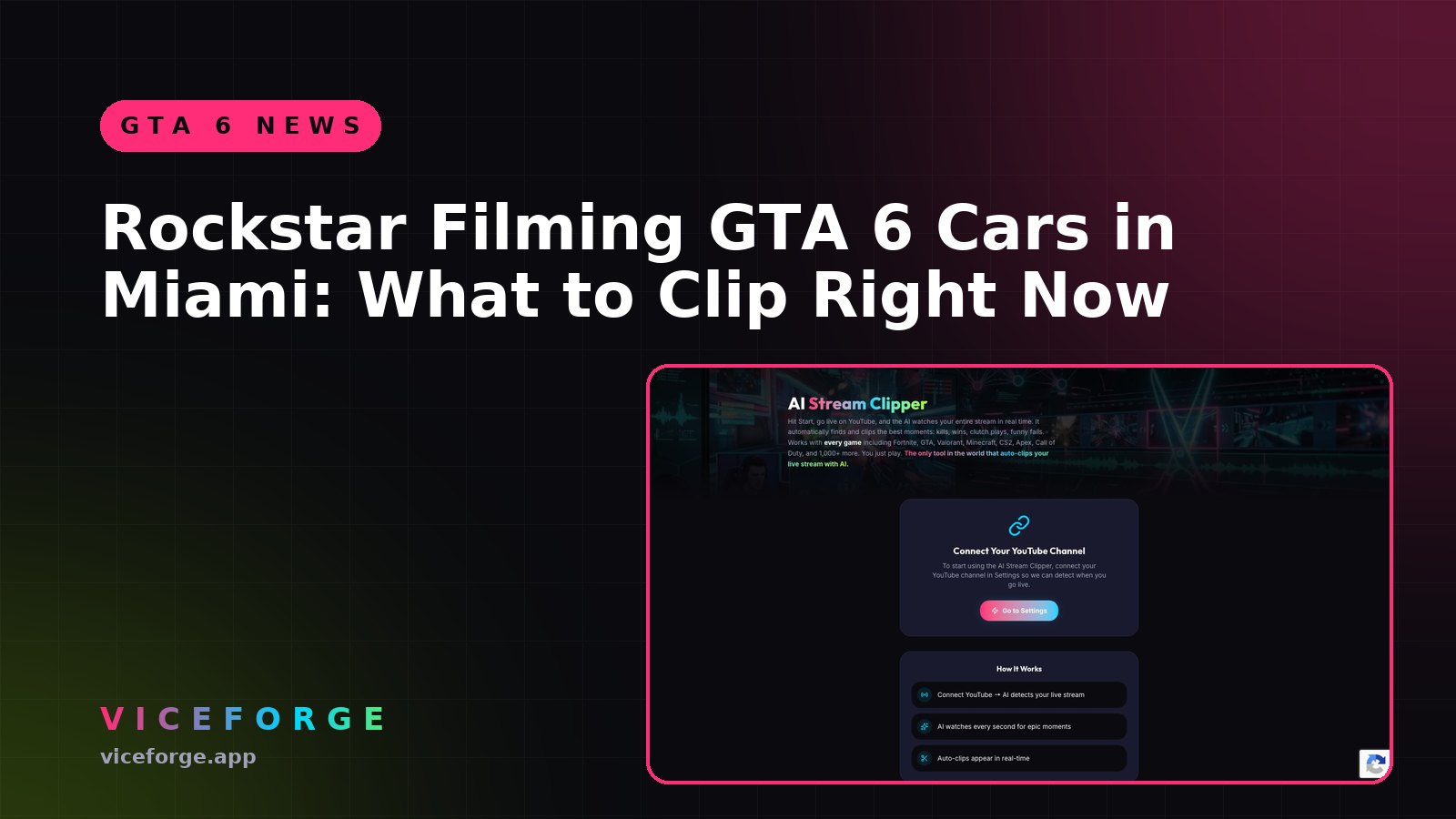
If you are filming your own content about the marketing campaign or reacting to the news, ViceForge can cut clips from your recording. Pick AI Creator mode for talk and reaction videos, set the clip length to 30 or 60 seconds, and the AI will find the moments where you make a strong point or react to something on screen.
Sources
Written with AI assistance, then fact-checked and edited by Predrag Mitrovic.
Turn your next stream into Shorts
Upload a VOD or gameplay recording and ViceForge finds the best moments, cuts vertical clips and adds captions.
Clip a video with ViceForgeMore from GTA 6 News
GTA 6 Launch Trailer: What Streamers Missed
Here is what the trailer shows and how to capture those moments for your audience.
GTA 6 Hidden Details: What Devs Added That Even Rockstar Missed
Rockstar gave GTA 6 developers freedom to add features on their own. Not even studio heads know everything in the game. Here's how to find the details first.
PS App Auto-Upload for GTA 6: What Actually Works
PS5's auto-upload feature works for videos under 3 minutes and 1080p or lower. Here is what auto-uploads, what does not, and how to set it up.