YouTube Now Counts Multiple Viewers Per TV Play: What Changes
Starting now, when one person plays a video on a TV, YouTube may count it as multiple views if it estimates others are watching too. This affects the public view count under every video, including...
Starting now, when one person plays a video on a TV, YouTube may count it as multiple views if it estimates others are watching too. This affects the public view count under every video, including your clips and Shorts.
What changed
Until now, one play on a TV counted as one view, even if five people watched. YouTube now adds estimated co-views to the public total. If it thinks three people watched together, that single play can count as three views.
On phones, tablets and computers, one play still counts as one view. The change only applies to TVs.
YouTube uses patterns like what is playing, when it is playing, and who tends to watch to estimate the audience size. It does not use cameras, microphones or device sensors.
What this means for your metrics
The public view count on your clips and Shorts may go up, especially if your content is watched on TVs. That number now includes an estimate of how many people saw it, not just how many times it was played.
This does not change:
- How YouTube calculates creator pay.
- Who qualifies for the YouTube Partner Program.
- The private analytics you see in Studio.
YouTube already gave creators a private estimate of co-views. Now those extra views are added to the public count everyone sees.
Why YouTube made the change
TVs are YouTube's fastest-growing way to watch. Viewers watch more than a billion hours on TVs every day. The old count did not reflect how many people actually saw a video when it played in a living room.
YouTube says the change aligns with TV industry standards and tells a more accurate story of reach. Creators can use the updated public count to show sponsors how many people their videos reach.
What to do with this information
If you pitch sponsors or brands, the public view count now includes co-views. That number now includes estimated co-viewers, especially for content that plays well on a big screen.
If you compare your view counts to other creators, remember that videos watched more often on TVs will have higher public counts than videos watched mostly on phones.
Your private analytics in Studio still show the data YouTube uses for monetization and Partner Program eligibility. Use those numbers for decisions about your channel's performance.
Turn your streams into clips
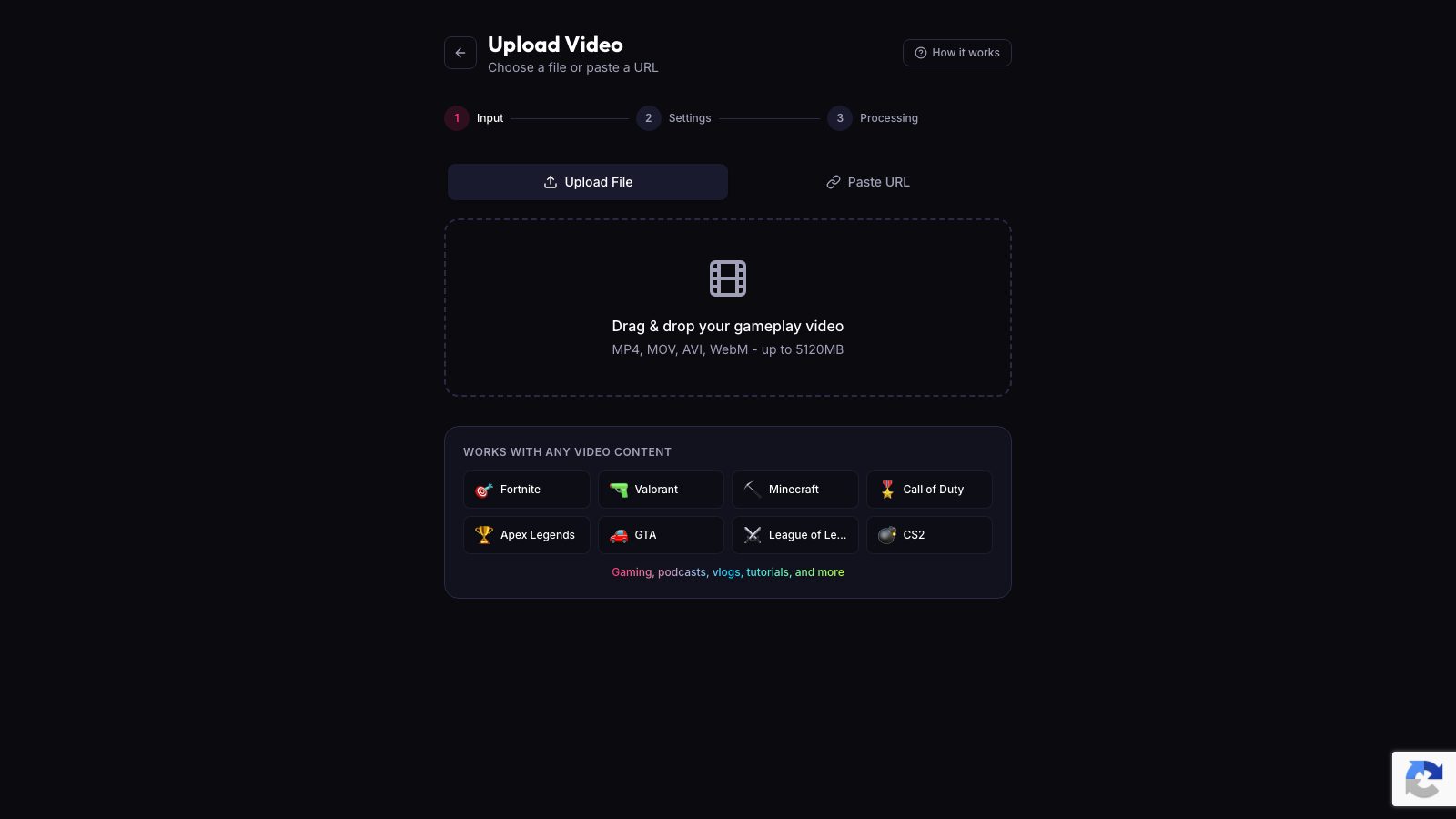
A higher view count on a clip does not change the work of making it. Upload your VOD or stream recording to ViceForge, choose AI Gaming or AI Creator, and get vertical clips with captions ready to post.
Sources
Written with AI assistance, then fact-checked and edited by Predrag Mitrovic.
Turn your next stream into Shorts
Upload a VOD or gameplay recording and ViceForge finds the best moments, cuts vertical clips and adds captions.
Clip a video with ViceForgeMore from Guides

Small Streamer in Tears After Ibai Sends Thousands to His GTA 6 Stream
A shoutout from mega-streamer Ibai Llanos sent thousands of viewers to a small GTA 6 streamer with zero audience, leaving him in tears. Here is what happened, and how to prepare your channel if a big...
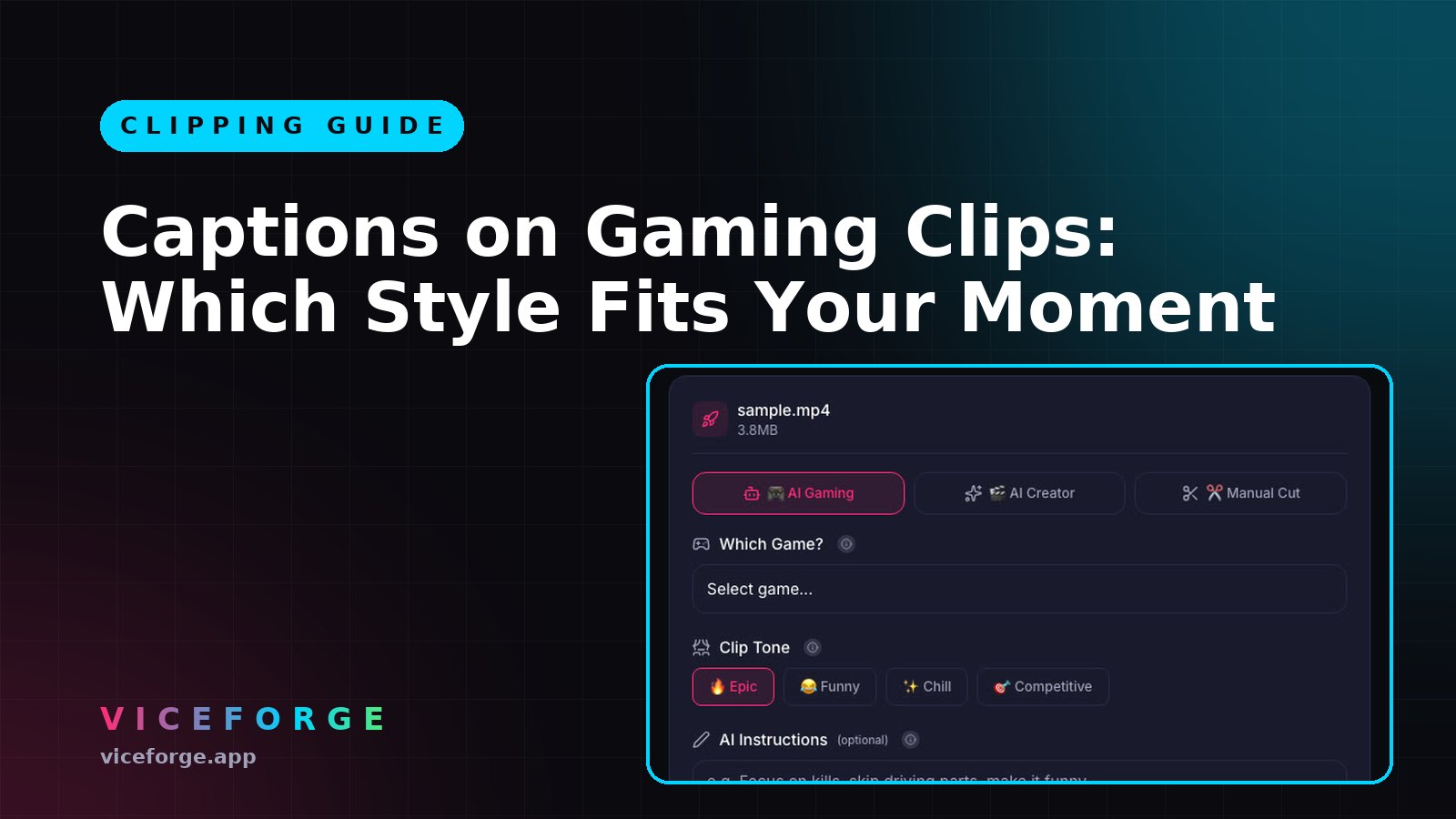
Captions on Gaming Clips: Which Style Fits Your Moment
ViceForge has 15 caption styles. Bold for kills, Minimal for reactions, Clean for talk. Here's which style fits your clip and how to pick it.

Instagram's Amazon Affiliate Links: What Creators Should Know
Instagram now lets creators link directly to Amazon products. Some influencers are skeptical about earnings and what they are agreeing to.