Instagram Stories Now Editable: Keep Views, Likes, Replies
Instagram now lets you edit Stories after posting. Fix typos, swap stickers or change music for 15 minutes without losing views, likes or replies.
Instagram now lets you edit Stories after posting. You can fix typos, swap stickers, change music or adjust drawings for up to 15 minutes without losing your views, likes or replies.
What you can edit
Instagram head Adam Mosseri has announced the feature. You can edit:
- Text
- Music
- Stickers
- Drawings
You cannot change the photo or video itself. The 15-minute window starts when you share the Story.
How to edit a Story
- Open your Story.
- Tap the three-dot menu in the bottom-right corner.
- Tap Edit Story.
- Make your changes.
- Post the edited version.
Your views, likes and replies stay. Before this update, you had to delete the Story and repost it, losing all engagement.
Why this matters for clip creators
Gaming and creator clips often go live fast. You post a highlight from your stream, then notice a typo in the caption or realize you forgot to tag the game. Now you can fix it without starting over.
If you post a vertical clip to Instagram Stories and it gets traction in the first few minutes, you can still add a poll, a location sticker or a song without resetting the view count.
What else is new
Instagram also added:
- New fonts, colors and shapes for stickers, organized on sticker sheets.
- A redesigned photo selector for picking multiple images.
- New blur, color and gradient background options.
Quick checklist
- Post your clip or Story.
- Check it in the first few minutes.
- If something is wrong, tap the three dots and choose Edit Story.
- Fix the text, music or stickers.
- Post the edit. Views and replies stay.
Turn streams into Stories with ViceForge
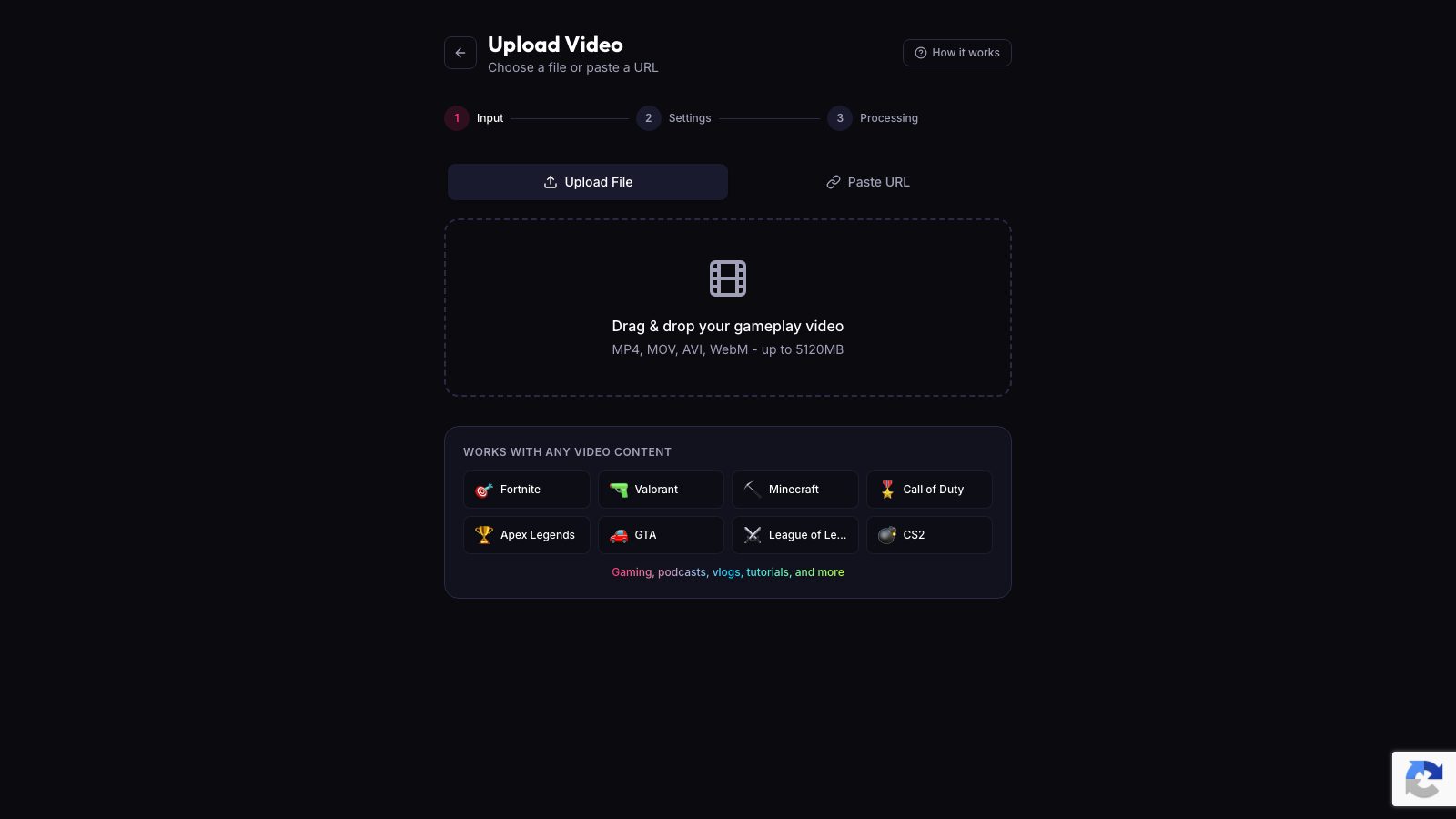
Upload your stream or recording to ViceForge, choose AI Gaming or AI Creator, and get vertical clips with captions. MP4, MOV, AVI and WebM are supported. Every clip comes out in 9:16 format, ready for Instagram Stories.
If you stream with a facecam, ViceForge keeps it visible in the vertical crop. Post the clip to Stories, and if you need to make changes, use the Edit Story feature to adjust captions or add stickers.
Sources
- The Verge: Instagram now lets you edit your Stories after you post them
- Instagram: Reels
Written with AI assistance, then fact-checked and edited by Predrag Mitrovic.
Turn your next stream into Shorts
Upload a VOD or gameplay recording and ViceForge finds the best moments, cuts vertical clips and adds captions.
Clip a video with ViceForgeMore from Guides

Small Streamer in Tears After Ibai Sends Thousands to His GTA 6 Stream
A shoutout from mega-streamer Ibai Llanos sent thousands of viewers to a small GTA 6 streamer with zero audience, leaving him in tears. Here is what happened, and how to prepare your channel if a big...
Captions on Gaming Clips: Which Style Fits Your Moment
ViceForge has 15 caption styles. Bold for kills, Minimal for reactions, Clean for talk. Here's which style fits your clip and how to pick it.
Instagram's Amazon Affiliate Links: What Creators Should Know
Instagram now lets creators link directly to Amazon products. Some influencers are skeptical about earnings and what they are agreeing to.