Discord's Rust Redesign: 290MB RAM Instead of 1GB
Discord is ditching Electron for Rust. The new app uses 290MB of RAM instead of over 1GB. Here is what changed and when it launches.
Discord ditched Electron for Rust, cutting RAM use dramatically. The new app uses just 290MB instead of over 1GB. Here is what changed and when you will see it.
What changed
Discord is moving its desktop app from Electron to Rust. Electron lets developers build desktop apps using web technologies, but it is heavy on system resources. Discord CTO Stanislav Vishnevskiy posted on X that the company has used Rust since 2018 for infrastructure, voice tech and parts of the client. Now the whole client is moving to Rust, which means Electron goes away. React Native is also out. Mobile keeps native UI but shares app code with desktop via Rust.
Vishnevskiy shared a screenshot of the Discord Windows client using 290MB of RAM. The Electron-based Discord Windows app can hit 1GB or more when you are in a few servers.
Discord has not announced when the Rust app will launch. Vishnevskiy says the company hopes to get it into testing with users soon.
Why it matters
If you stream with OBS, Discord and a game open at once, RAM adds up fast. The Electron Discord app can take 1GB. The Rust app frees up roughly 700MB if the old app used 1GB and the new one uses 290MB.
The difference shows up when you are encoding at high bitrate, running a facecam, or clipping a VOD right after the stream ends. Less RAM used by Discord leaves more room for other tools.
What to do now
- Check your current Discord RAM usage in Task Manager to see how much the Rust app will free up.
- Close Discord servers you do not use to reduce RAM usage.
- If you clip from VODs, download the VOD first, then upload it to ViceForge with Discord closed.
Turn your streams into clips
Upload your VOD to ViceForge, choose AI Gaming or AI Creator, and get vertical clips with captions.
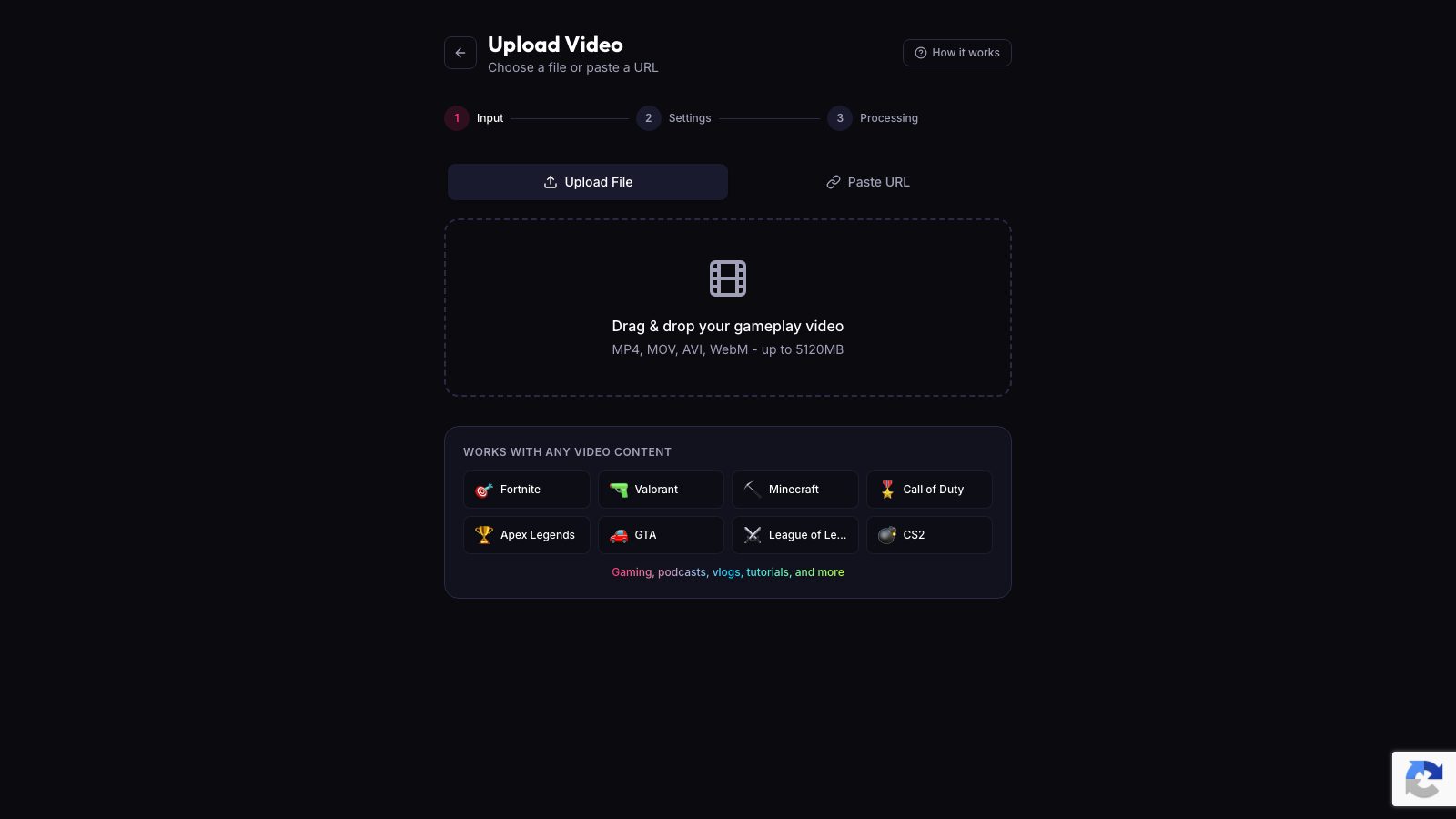
If you stream a game with a lot of action, the AI Gaming mode picks kills, chases, crashes and big reactions. For talk streams, AI Creator finds funny lines, strong statements and hype moments. Both modes work with MP4, MOV, AVI and WebM.
The GTA game profile (sandbox genre) works with GTA footage, including GTA 6 recordings when the game is out. The AI uses vision, audio and facecam detection to find the moments that make good clips.
Sources
- The Verge: Discord is moving its apps fully over to the Rust programming language
- ViceForge: Pricing and plans
Written with AI assistance, then fact-checked and edited by Predrag Mitrovic.
Turn your next stream into Shorts
Upload a VOD or gameplay recording and ViceForge finds the best moments, cuts vertical clips and adds captions.
Clip a video with ViceForgeMore from Guides
Twitch and Kick Drop GTA 6 Codes Daily: How to Claim
Kick has 10,000 codes through December 7, Twitch drops daily from launch. Here is how to claim on each platform and what to tell your viewers.

YouTube's GTA 6 Hub: What Streamers Should Post Now
Here is what you can post now and how to use the new features to reach YouTube's GTA 6 audience.

Streamer Awards 2026: How to Clip Your Moment
The Streamer Awards air today on Twitch and YouTube. Here is how to catch the best moments and what format works for each platform.