GTA 6 First-Person Glitch: How to Activate It Now
A glitch unlocks first-person mode in GTA 6. Here's how to activate it on PS5 and Xbox, what works, and what it means for your clips.
GTA 6 has a hidden first-person mode that players discovered shortly after launch. Here is how to turn it on, what it changes for your clips, and what the working animations tell us about Rockstar's plans.
How to activate first-person mode
Go to Settings, then Controller, then Controller Features. Change your touchpad or select button to Camera 2 / 2. Get into a car, open your phone with the D-pad, press Circle or B, then quickly press the touchpad or select button. The camera locks into first-person.
You can walk around, drive, and use weapons. The animations are already in the game. Weapon handling, car entry and movement all work in first-person, though some parts clip through the camera when you hold a long gun.
How to switch back
You cannot toggle back to third-person with a button. The only way out is to reload a save. You can save in first-person, then immediately load that save to return to third-person.
What it means for clips
First-person changes the feel of a clip. A chase or a shootout from the driver's seat is more intense than the usual third-person view. The camera sits low in the car, and you see the dashboard and the road ahead.
For vertical clips, first-person footage crops differently. The camera is closer to the action, so facecam overlays may need repositioning. Test a short clip before you record a long session.
Why Rockstar included it
Rockstar has not announced a first-person update, but the working weapon handling and the detailed car interiors point to a feature that is close to finished. Dexerto confirmed the method works and that weapon animations are already in place.
What to clip
If you use the glitch, clip moments that show the difference. A high-speed chase from the driver's seat, a shootout with the weapon in your hands, or a walk through Vice City at eye level all look different in first-person. Keep clips short and test the crop before you post.
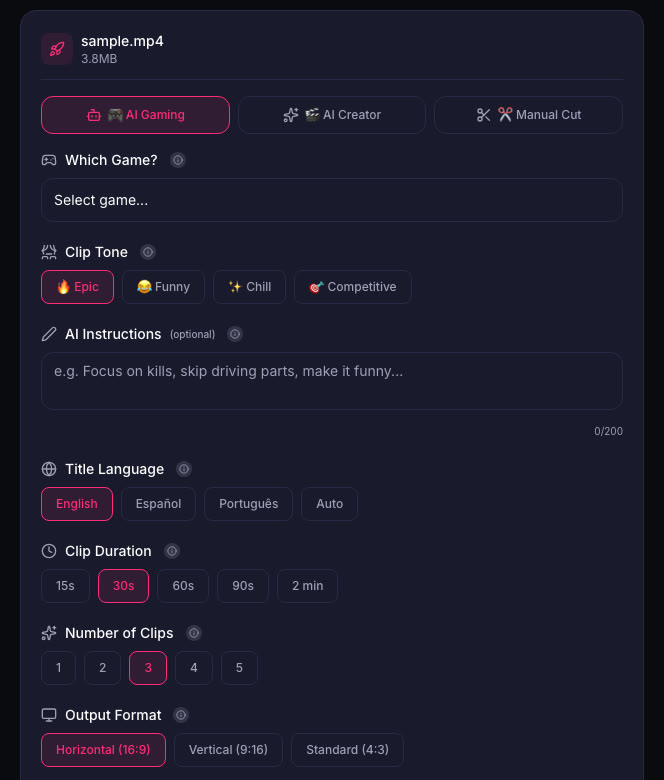
When you cut clips in ViceForge, pick the GTA game profile under AI Gaming. The AI finds action, kills, chases and crashes, and you can set the clip length to 30 or 60 seconds.
Quick checklist
- Go to Settings > Controller > Controller Features, change touchpad/select to Camera 2 / 2
- Get in a car, open phone, press Circle/B then quickly press touchpad/select
- Walk, drive, shoot in first-person
- Save and reload the same save to return to third-person
- Clip short moments that show the first-person view
- Test vertical crop with your facecam before a long session
Sources
Written with AI assistance, then fact-checked and edited by Predrag Mitrovic.
Turn your next stream into Shorts
Upload a VOD or gameplay recording and ViceForge finds the best moments, cuts vertical clips and adds captions.
Clip a video with ViceForgeMore from GTA 6 News
GTA 6 Launch Week Clips: What Went Viral and Why
GTA 6's first weekend produced viral clips from painted tunnels to alligator chaos. Here's what moments work and how to find your own.

GTA 6 Dev Honors Late Mother With In-Game Memorial North of Hamlet
A Rockstar QA developer memorialized his late mother in GTA 6. The tribute is part of a wall north of Hamlet that includes other team members' lost family.
GTA 6 PS5 Crashes: Error CE-108255-1 Reported by Some Players
Some PS5 players report error CE-108255-1 blocking GTA 6 progress. Here are the workarounds that have helped and what to do while you wait.